SUNOLINK · AI MUSIC · DAW WORKFLOWS
Generation is instant. The workflow wasn't.
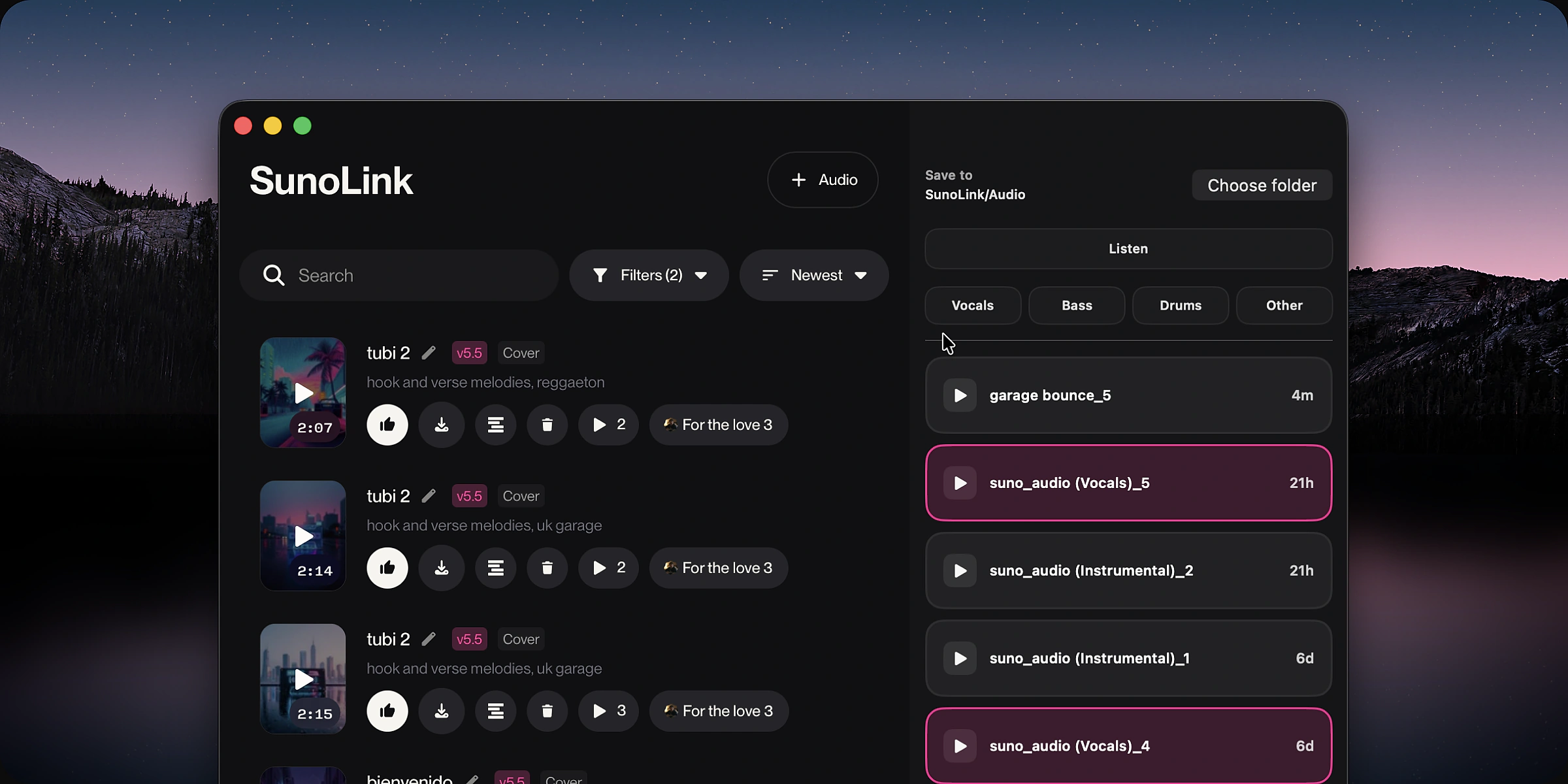
Suno can generate a track in under a minute — getting that track into a session took longer. The friction wasn't the AI; it was everything between the browser and the DAW. SunoLink is the bridge I designed and built solo: a native macOS app paired with a plugin that captures, organizes, and hands off audio, so the momentum never leaves the session.
01 / THE PROBLEM
Ten thousand tracks, one recurring wall.
After more than 10,000 generations on Suno, I kept hitting the same wall: the music was done in seconds, but landing it in a session meant bouncing between browser tabs, a downloads folder, and drag-and-drop exports — every single time. The problems were always the same three:
- Scattered across tools — the browser, the downloads folder, and the DAW never talked to each other.
- Fragile handoff — exporting and dragging files in was inconsistent and easy to break.
- Lost momentum — the busywork pulled focus away from the actual creative work.
Producers live inside their DAWs. Bring generation into that space, and you get faster iteration, deeper experimentation — entirely new workflows.

02 / THE ORIGINAL APPROACH
The obvious answer was a plugin.
The obvious architecture, too: a lightweight VST embedding Suno directly inside the DAW — browse generations, manage downloads, drag audio straight into the session. I built the webview, the download system, and the plugin workflows… then hit the wall.
- Browse & generate — Suno running natively inside the plugin window.
- Manage downloads — a recent-generations list built into the workflow.
- Drag into the session — the one interaction that mattered most.
The wall: JUCE/VST plugins can't reliably support native drag-and-drop into DAWs — the exact interaction everything hinged on. Forcing it meant shipping something brittle.

03 / THE PIVOT
Don't fight the platform — route around it.
Instead of forcing the limitation, I split the product around it: a native macOS app paired with a plugin bridge. The SwiftUI app embeds and automates the key Suno interactions; the JUCE plugin captures host audio and hands it back as validated WAV — the two connected by a versioned protocol:
- SwiftUI desktop app — embeds and automates Suno, with custom workflow UX and recovery overlays.
- JUCE plugin bridge — arms and stops capture, then writes WAV automatically back to the app.
- Versioned Unix-socket protocol — a JSON handshake with command/event framing and robust error handling.
- Reliable capture — threshold and silence detection cleanly start and stop recording for a dependable handoff.
04 / WHAT I BUILT
Six weeks, every layer.
In about six weeks I shipped every layer myself — desktop UX, plugin internals, the protocol between them, and signed release packaging:
- A native macOS SwiftUI app with WKWebView automation, diagnostics, and a recent-downloads subsystem.
- A plugin audio-capture state machine with threshold/silence stops and atomic WAV finalization.
- A versioned app↔plugin IPC protocol over Unix sockets, hardened against malformed and noisy frames.
- Release automation producing signed drag-and-drop DMGs bundling the app, VST3, and AU.
~29 commits · ~25.8k insertions · single primary contributor.